Particle + Gemini Integration
Create Google Cloud Project
- Visit Google Cloud Console
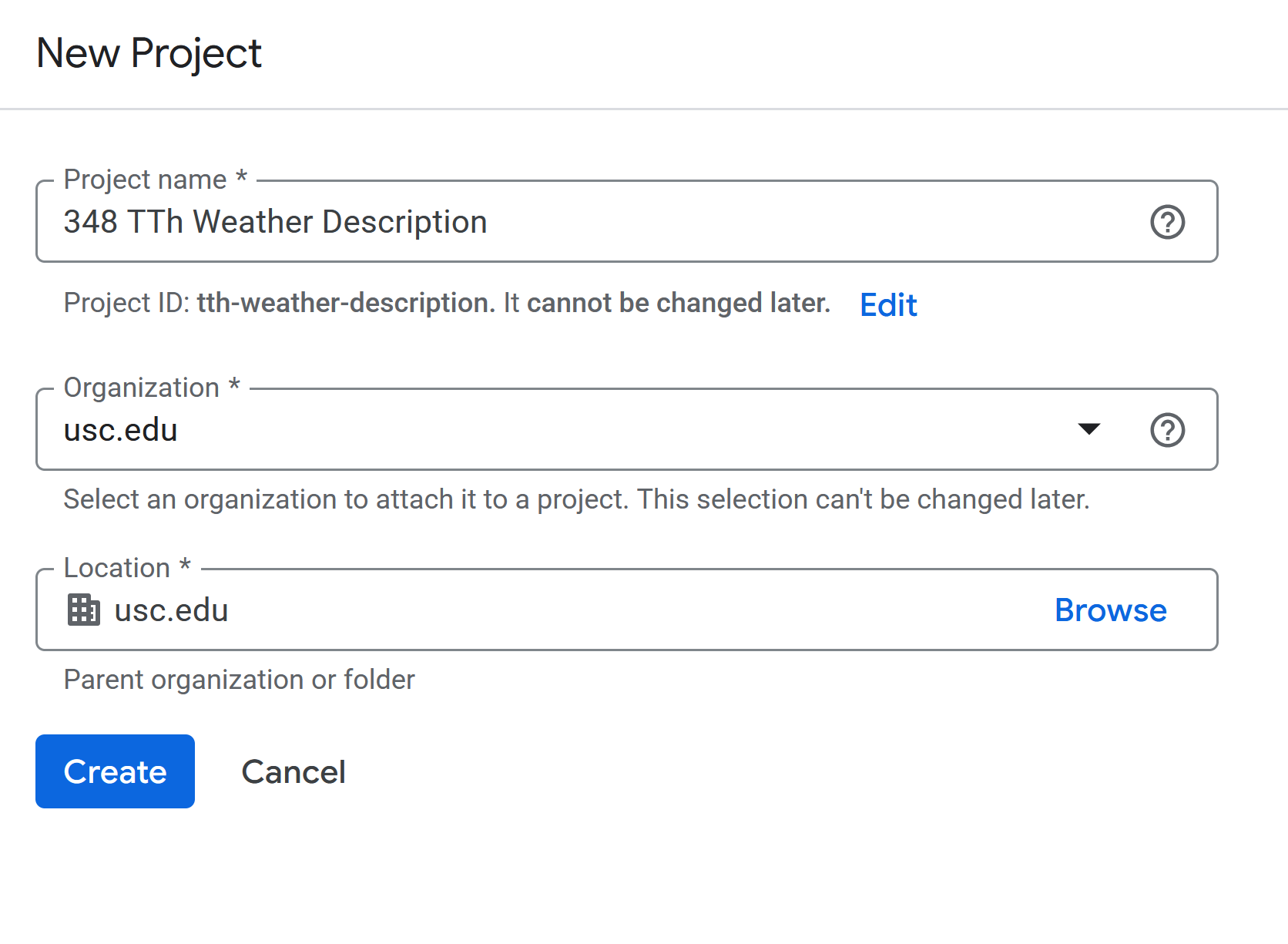
- Create new project
Activate Generate Language API / Gemini API
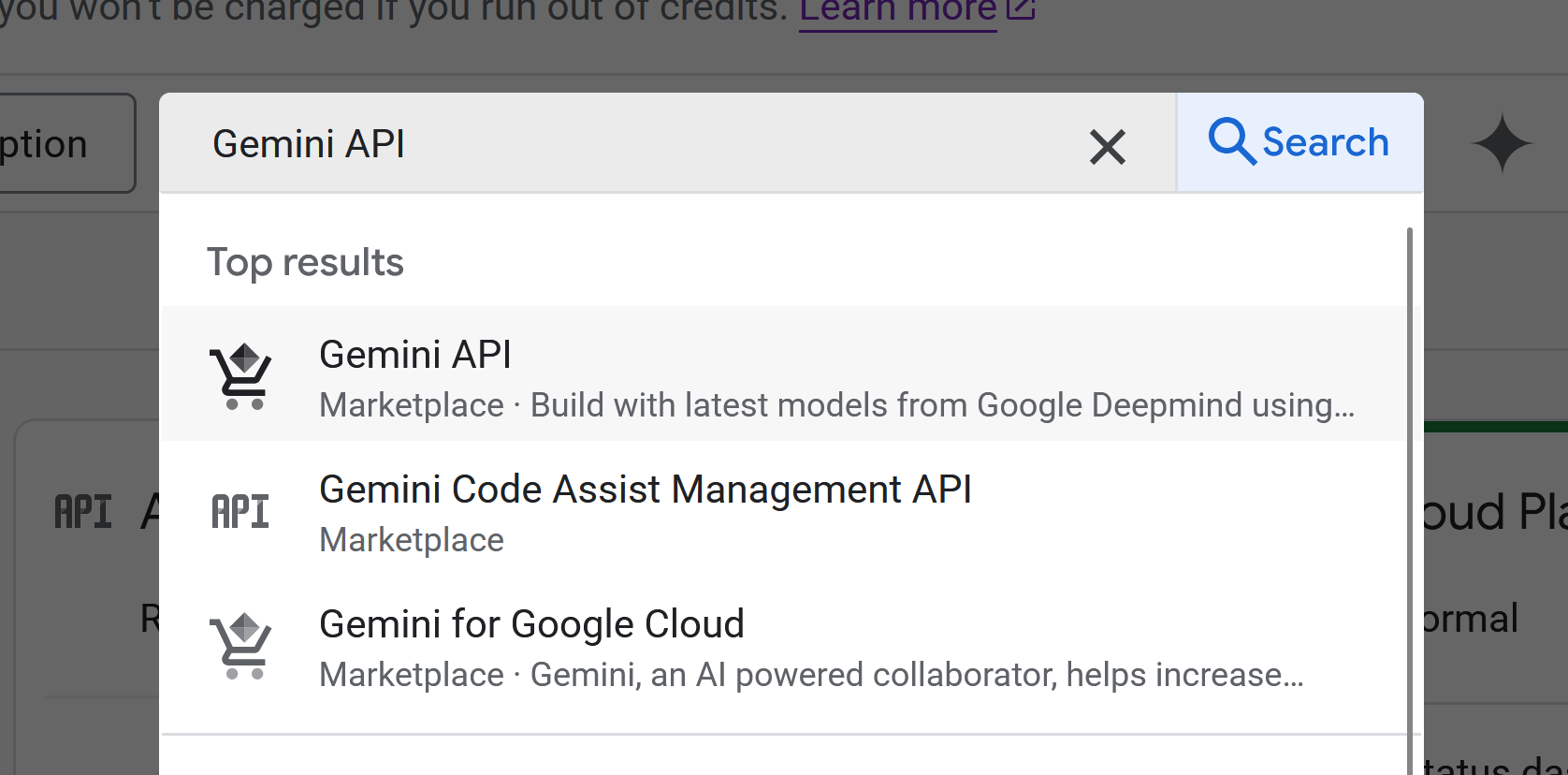
- In the search box, type Gemini API and select the name in the dropdown
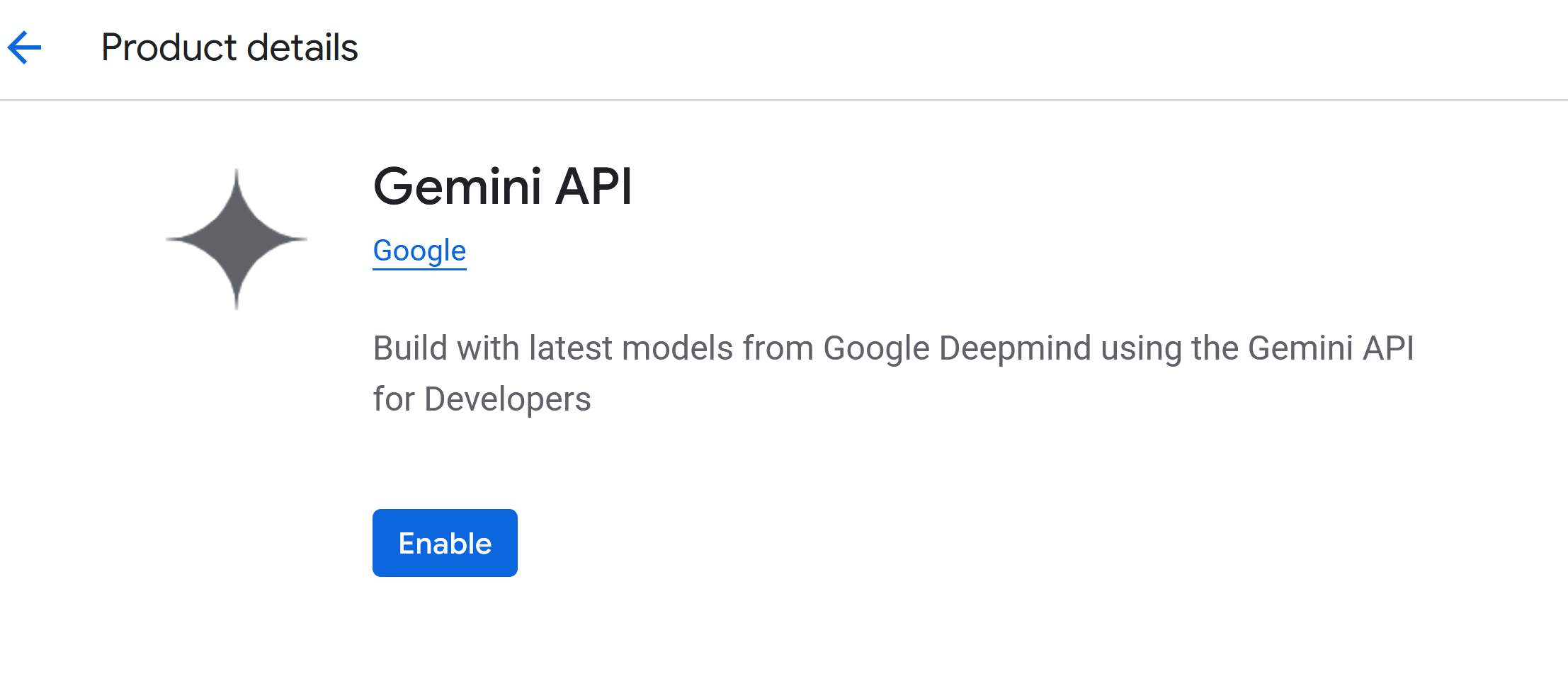
- Click Enable
Create API key for Generate Language API / Gemini
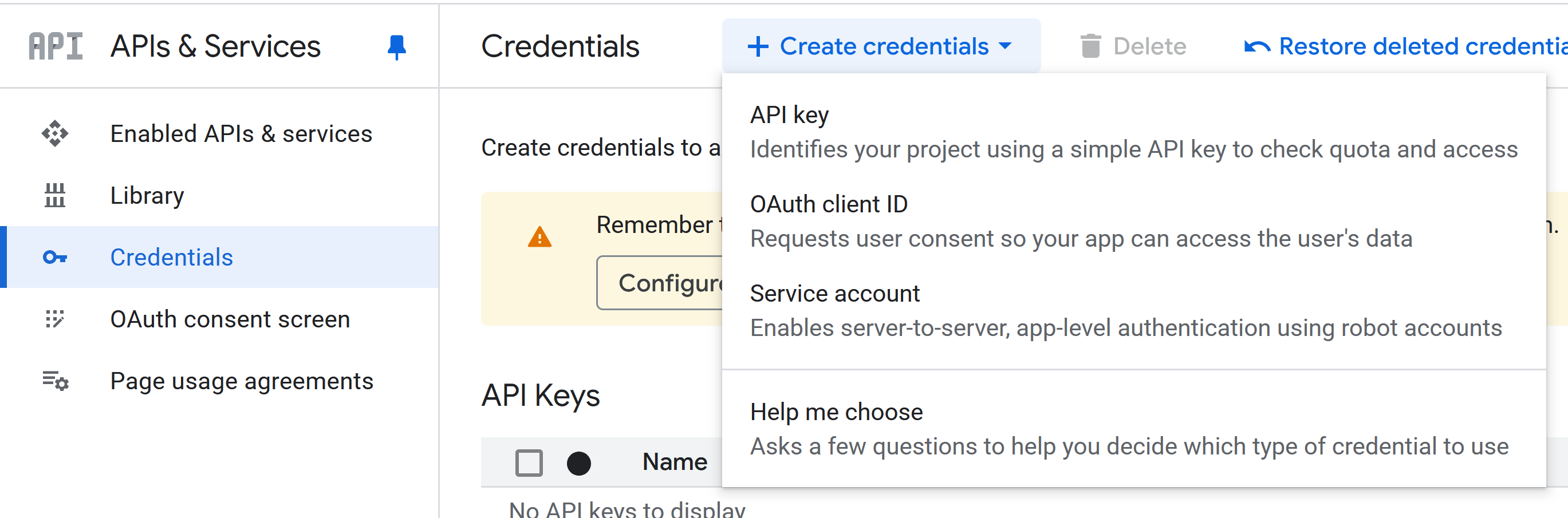
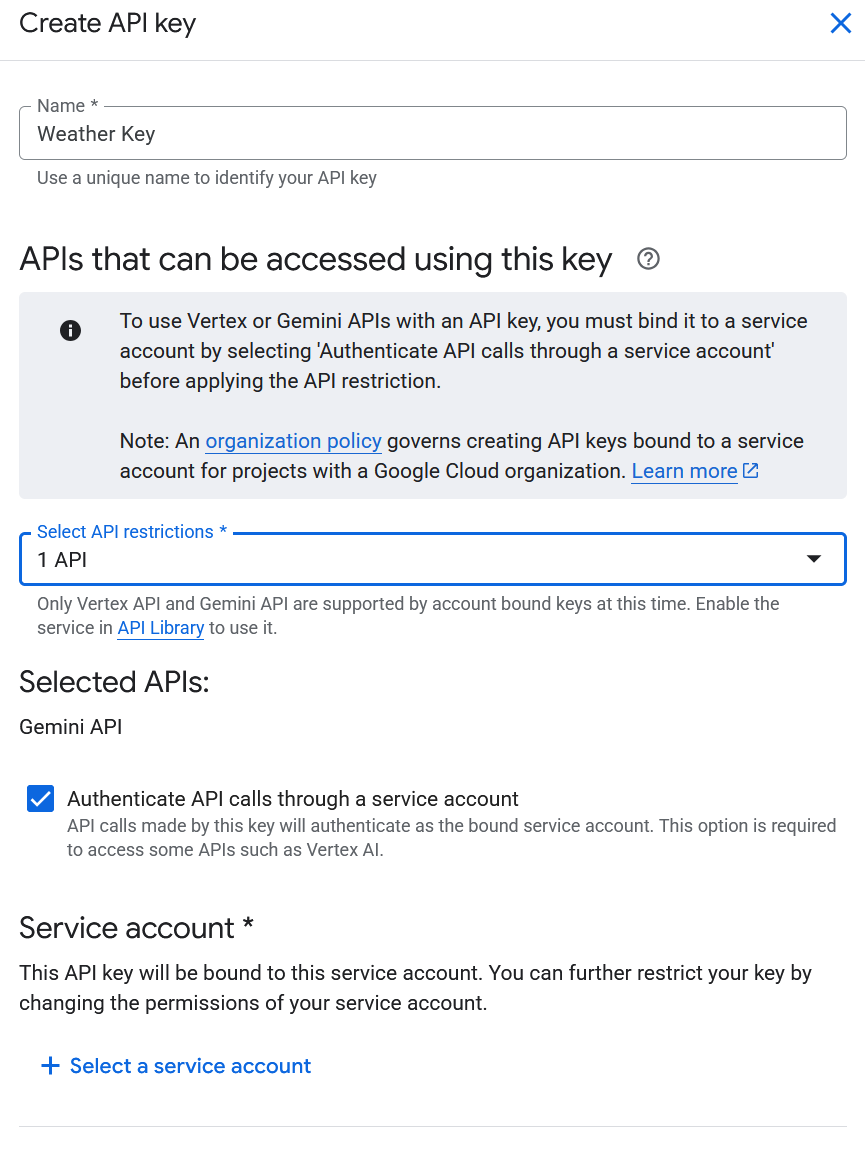
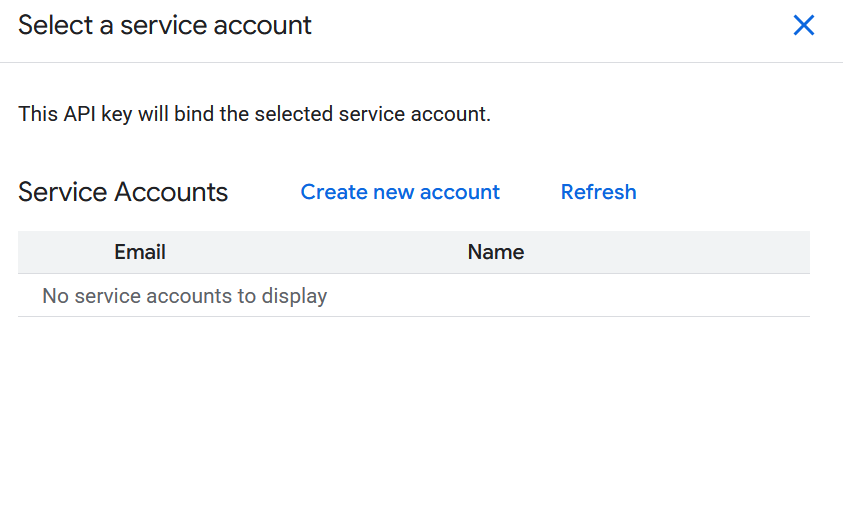
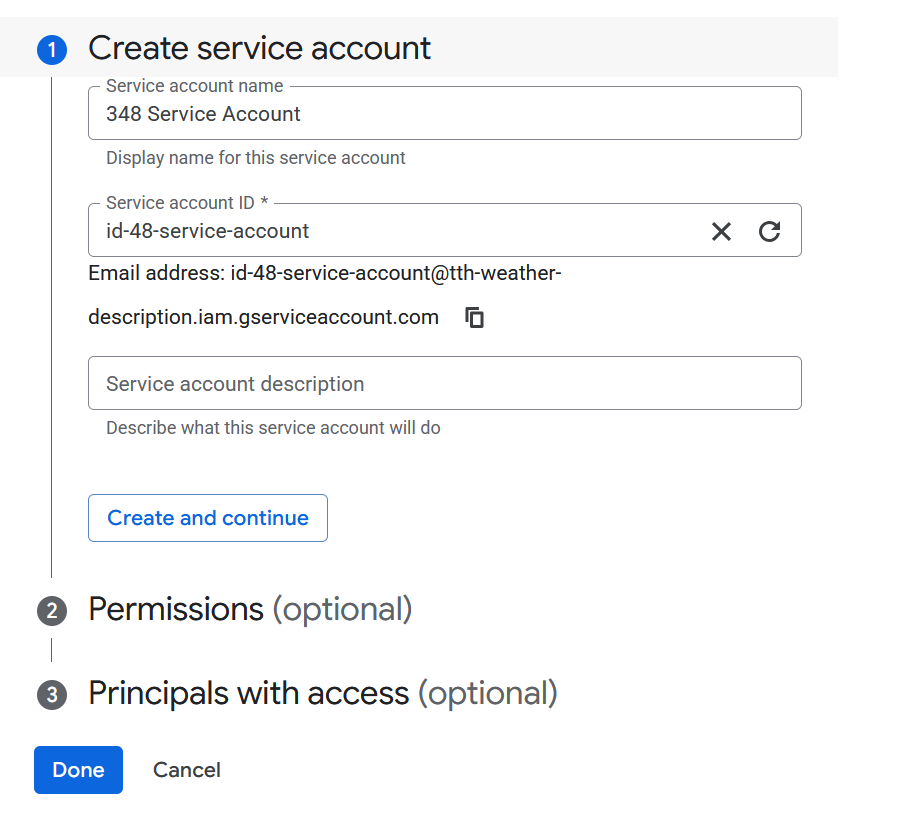
- On the left, click Credentials and then click + Create credentials
##
##
##
- Copy API key
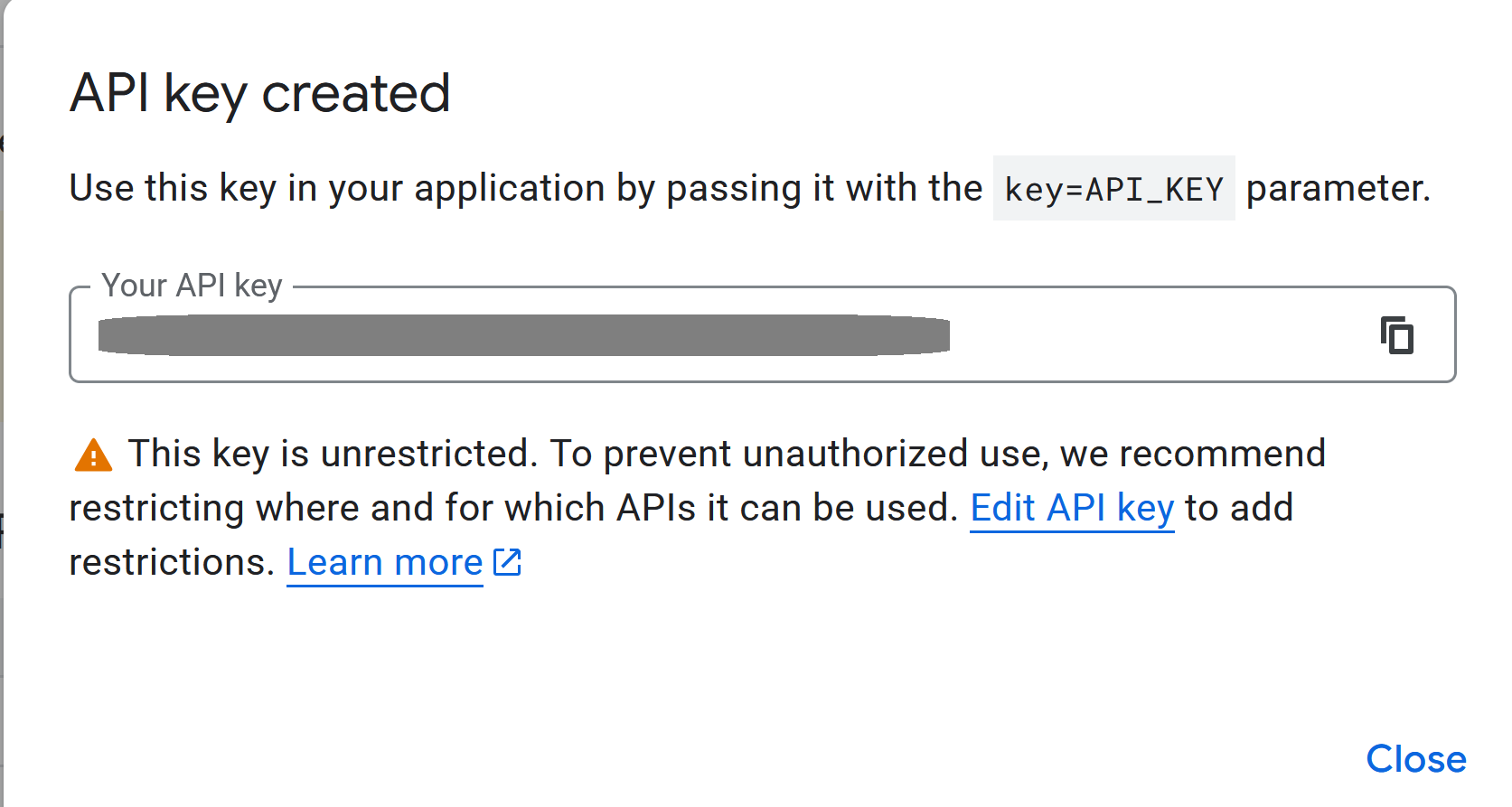
- Click Edit API key
- On the next page, do the following
- Give the key a meaningful name
- Under API restrictions click Restrict key
- Click the dropdown box and type Generate Language API
- It may take 5-10 for key to be active
Gemini API Webhooks
The API JSON Structure

- Sending prompts via a webhook requires a specific JSON format
- The structure follows a nested hierarchy that the Google Cloud Console expects
- In Particle, we use placeholders like `` to inject real sensor data into the prompt
JSON Anatomy: Contents and Parts
contents: An array that represents the conversation historyparts: A nested array within contents that holds the actual message datatext: The string where you define the persona, provide the data, and give the instruction- This nesting allows the API to distinguish between different types of media or multiple turns in a chat
Finding Documentation
- The primary source for these structures is the Google AI for Developers API Reference
- Look for the
generateContentmethod under the REST API section - The documentation defines the “Request Body,” which lists every field you can include in your JSON
Customizing Behavior: generationConfig
- You can add a
generationConfigblock to control the “vibe” of the output temperature: Controls randomness (0.1 for facts, 0.9 for wit)maxOutputTokens: Limits the response length to save memory or screen spaceresponseMimeType: Can be set toapplication/jsonif you want the AI to return data your code can parse
Webhook Implementation Code
JSON
{
  "contents": [
    {
      "parts": [
        {
          "text": "You are a concise assistant. Sensor data: . Task: Summarize."
        }
      ]
    }
  ],
  "generationConfig": {
    "temperature": 0.7,
    "maxOutputTokens": 100
  }
}
Prompt Engineering for IoT
- Be explicit about the format you want (e.g., “provide a single, short phrase”)
- Tell the model what to exclude to keep the string clean for small displays
- Use the system instruction field if you want the persona to be permanent across different prompts
- Always test your JSON in a validator like JSONLint before deploying to the Particle console
Create Particle Webhook
- Go to Particle console
- Go to Cloud Services > Integration > Create custom webhook
- Use the following settings
- Name: a meaningful description (for you)
- Event name: the specific event you want to publish to in your code
- URL:
https://generativelanguage.googleapis.com/v1beta/models/gemini-2.5-flash:generateContent - Request type:
POST - Request body:
JSON
- Go to Extra Settings, and under JSON Body add
{
  "contents": [
    {
      "parts": [
        {
          "text": "You are a concise, witty weather assistant. Based on a weather code of , a humidity percentage of , and a temperature of  degrees Fahrenheit, provide a single, short, descriptive phrase (max 10 words). Do not include the code or temperature in your final phrase. For example, 'A beautiful 76 degrees for a Sunday stroll.'"
        }
      ]
    }
  ]
}   ]
    }
  ]
}
- Under Query Parameters, add
- **Key: **
key - Value: `YOUR_API_KEY_FROM_GOOGLE_CLOUD_CONSOLE”
- **Key: **
- Send JSON
{"temp":49.900002, "code":0, "humidity":84}
- Sample response
Clear, cool, and surprisingly sticky.
- Notes
- There seem to be quota issues about too many messages per second